Teaching a 7B model to write meeting notes, and then to answer back
Meetre switched to Parakeet for transcription and K2 Horizon for summaries, a prompt that looped for 141 seconds got rewritten into one that finishes in 14, and you can now chat with your meetings, with tools, and the audio never leaves your Mac.
The worst summary Meetre ever wrote was one open question, repeated until the model ran out of tokens. Same bullet, again and again, for 141 seconds and about 18,000 characters. On both of the 30-minute meetings in my test set. It's the kind of output that makes you briefly reconsider your career.
That was the starting point for a few weeks of work on the part of Meetre that actually does the thinking. Here's what changed.
Parakeet does the listening now
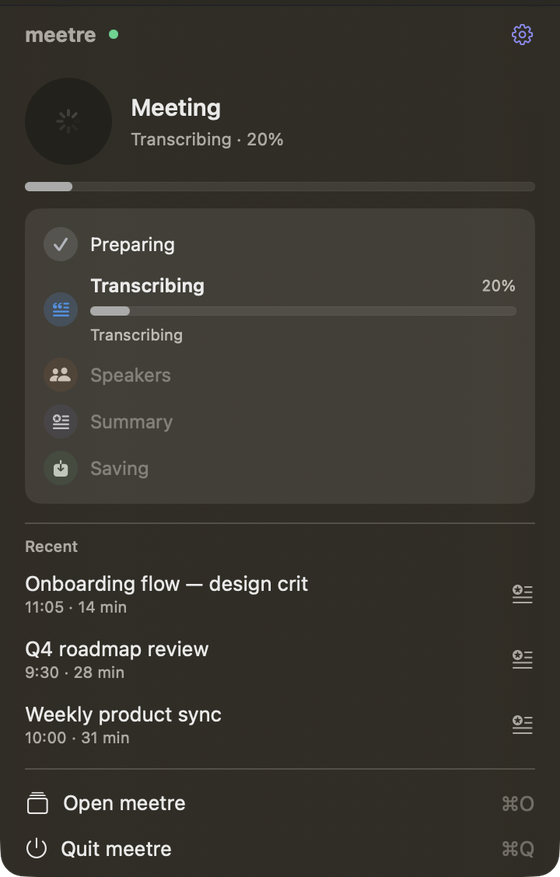
Transcription used to default to Whisper large-v3-turbo. It's still there, along with the smaller Whisper sizes, but the default is now NVIDIA's Parakeet TDT v3 running on MLX. It ships with the base install, so there's nothing extra to set up. A 30-minute meeting typically transcribes in under a minute. In June I was proud of two to four minutes.
Quiet voices also get levelled up before transcription now, which matters more than it sounds. The colleague who sits a metre from their laptop mic used to come out as a string of plausible-looking nonsense.
K2 Horizon writes the notes
For summaries, the new default is K2 Horizon 7B, a 4-bit build at about 7 GB. The auto setting ranks it first and picks it on any Mac where it fits. Smaller machines still fall back to Qwen 3.5 or Gemma 4, and the big Qwen models are there if you happen to own a Mac Studio.
K2 is a reasoning model, and I run it with the reasoning effort set to low. On medium it spent so long thinking that it overran its own budget and then wrote exactly the same summary. Low gets a three-minute meeting summarised in about eight seconds.
There was one wrinkle. mlx-lm doesn't know K2's architecture natively, so the model repository ships its own Python file that gets executed when the model loads. Newer mlx-lm versions refuse to do that unless you pass trust_remote_code. I didn't love the idea of running whatever code happens to sit in someone's repo, so Meetre pins the model to one specific commit that I read through, and only grants the flag to models pinned like that.
Fixing the loop
Back to the 141 seconds. I benchmarked the prompt against real meetings between one and 31 minutes long and changed four things.
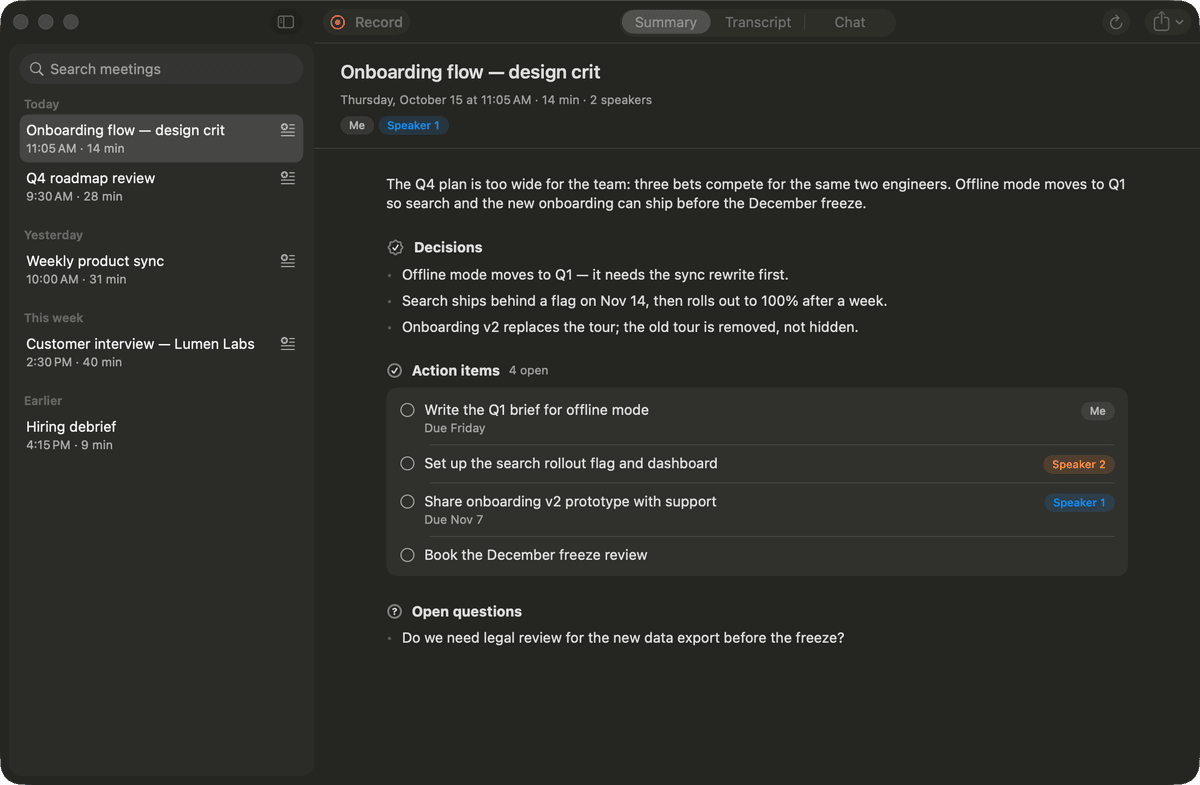
The transcript goes first and the instruction last, so the model reads the task right before it writes. The transcript itself got compacted to one plain Speaker: text line per turn, no timestamps, no Markdown, which cut the prompt by about 30% in tokens. Each section got exactly one job: the summary gives context and doesn't repeat the decisions, and an empty section just says so instead of being padded. Speech-recognition garbage gets dropped instead of faithfully copied into the notes. Finally a mild repetition penalty (1.05 over the last 256 tokens), plus a guard that catches looping lines and removes exact duplicates, in case the model tries it anyway.
Result on the same two meetings: about 14 seconds, all four sections present, no loop.
The prompt is editable in the settings, with a reset button, because I'm sure somebody's meetings are weirder than mine.
The model was never the problem. My prompt was asking it to fail politely.
I also managed to break everything once along the way. A prompt rewrite removed two constants that summaries and title generation still used, so every summary failed with a NameError and every meeting kept its placeholder title. It lived for one day. I'm mentioning it so nobody thinks this all went in a straight line.
Talking to your meetings
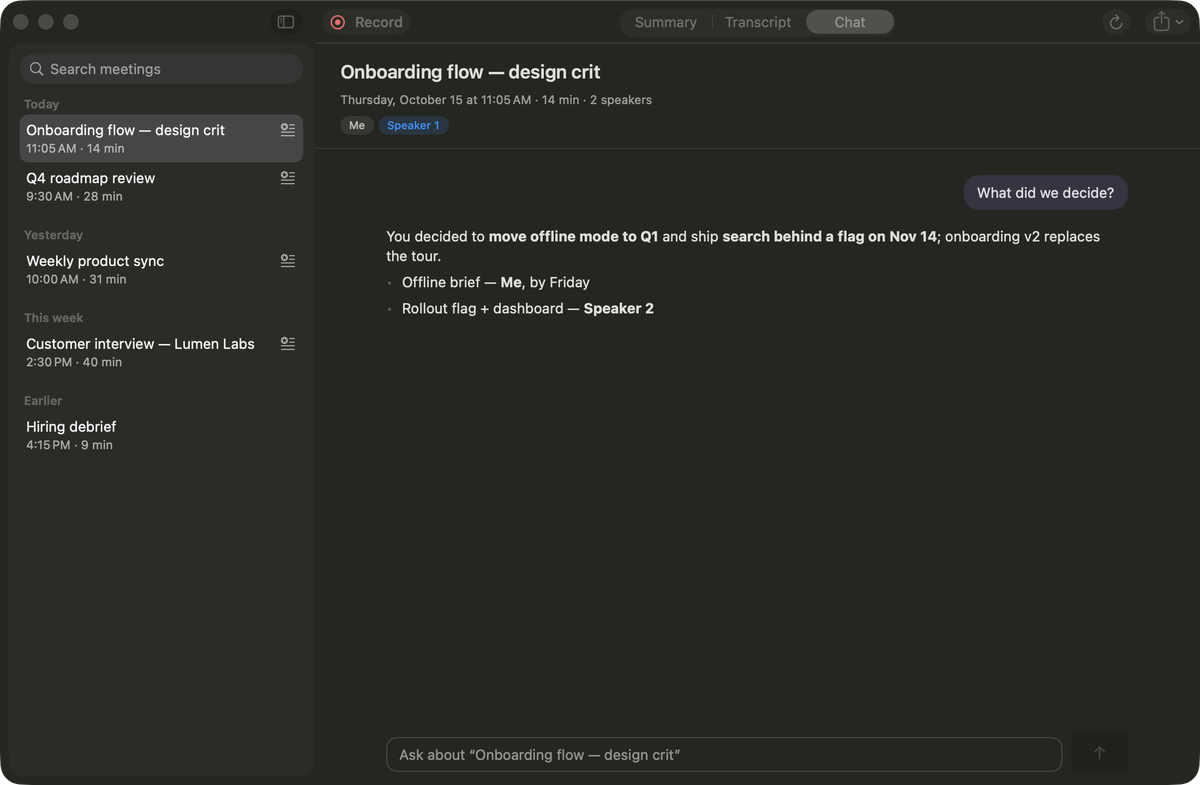
The library has a third tab now: Chat. Pick a meeting, ask "what did we decide about the launch?", and K2 answers from the transcript, streaming, with quick prompts when the chat is empty. The model stays loaded while the window is open, so follow-up questions are fast.
Then it got tools. K2 can search the web and fetch pages, and it can list, find and read files, PDFs included. File access is gated per folder: the first time it wants into one, you get Allow once, Always allow or Deny. Some places are always off limits no matter what you click, like ~/.ssh, keychains, Meetre's own config and .env files. There's also a small built-in MCP client, so any MCP server you already use can plug in, with a Tools window that has presets and an import from Claude Desktop.
Page fetching had its own little drama. Plenty of sites answer a plain Python request with a 403. Meetre now sends full Safari headers first, and if a site still blocks it or only renders with JavaScript, it loads the page in an invisible WebKit view, the same engine as Safari, and reads the text from there.
Giving speakers their names back
"Speaker 1" is accurate and useless. The local model now maps speaker labels to real names when the transcript gives clear evidence, and every guess gets checked against the text. The rule I had to add after the first test: only self-introductions count. If someone says "thanks, Ben", the person saying it is not Ben. Obvious to you. Not obvious to a 7B model on its first day.
Everything still runs on your Mac. The only things that go out are the web searches and page fetches the chat makes, and you can switch those off in the Tools window. The code is on GitHub. I've started asking it what I promised people in meetings, which has been more humbling than I'd like.