Designing a dial for daylight
The interface decisions behind Surya: why the main screen is a circle, why it speaks in percent, why the sun and moon got names, and how much a widget has to leave out to be readable at a glance.
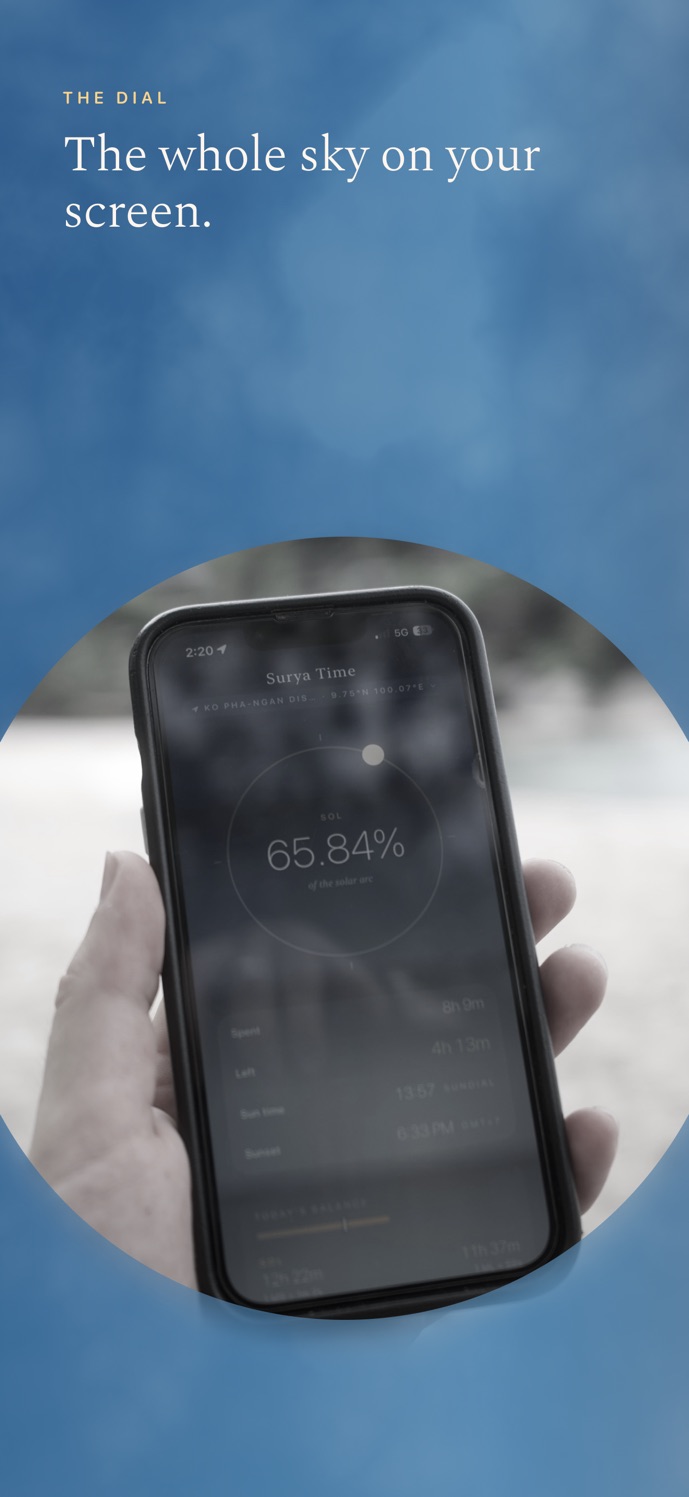
A sun app could easily be a list. Sunrise, sunset, solar noon, daylight length, all correct, all in neat rows. It would answer every question, and you'd feel nothing looking at it. That's the trap with data apps: the numbers are right and the screen is dead.
So Surya doesn't show times. It shows a day.
A circle, because a day goes round
The main screen is one big ring. The sun sits on it as a small glowing dot and moves along the arc from sunrise to sunset. In the middle there's one number, large and thin: how much of the solar arc is already behind you.
A horizontal timeline would look like a progress bar, and progress bars make you feel late. A ring doesn't have that edge. You read it the way you read a watch face: the dot is somewhere, and you know roughly what that means before you read anything.
Percent is the honest unit
You can switch the dial between twelve solar hours and a plain percentage. Hours feel like time, so they seem like the obvious default. Percent is the one that reads faster. "Seven hours fifty-five left" makes me do maths. "40 percent gone" I just understand.
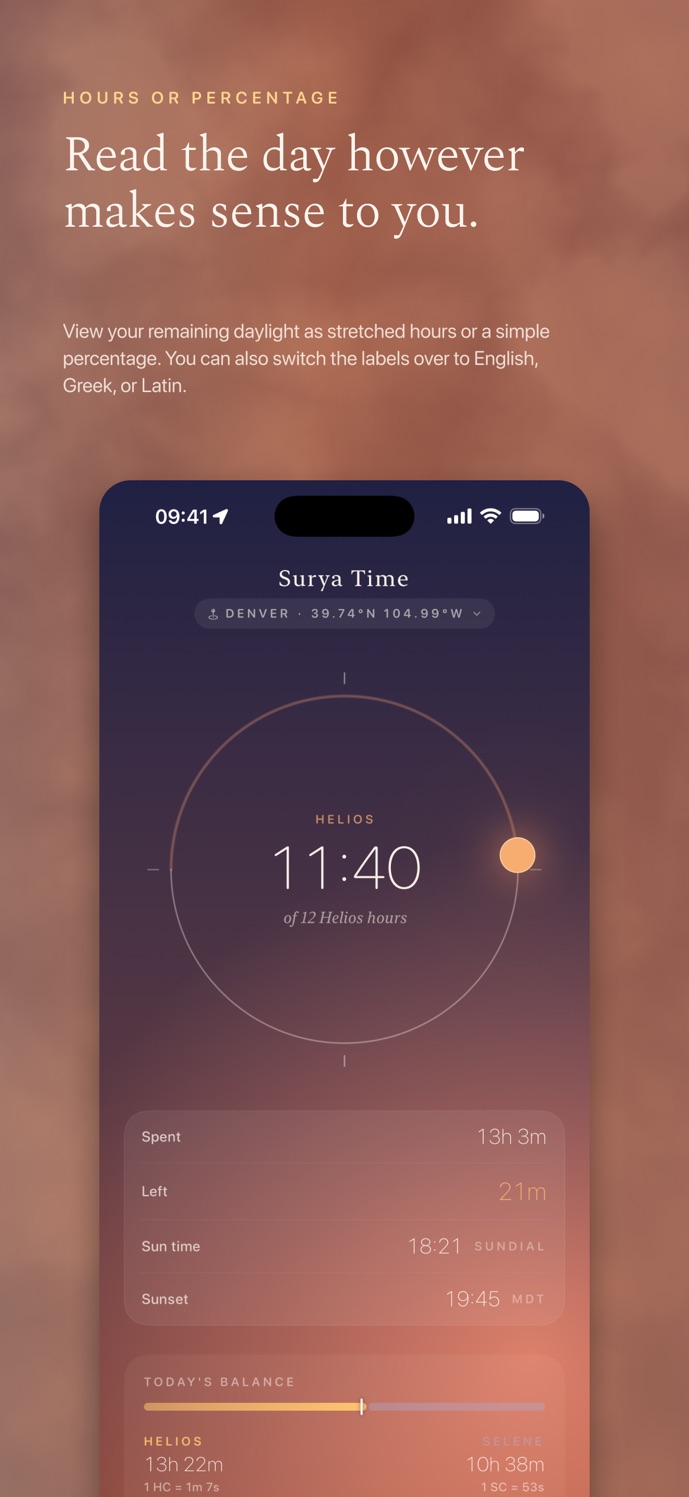
The exact numbers are still there, one scroll down: time spent, time left, sun time, sunset, and a balance bar for today. The dial is for feeling where you are. The table is for checking.
Giving the sun and the moon a name
In the app the sun is Helios and the moon is Selene. Part of that is a labelling problem: "sun" and "moon" in small caps on a widget look like a weather app. Two names from Greek myth gave each body a voice and a colour. Helios is warm and gold, Selene is cool and pale. You learn which is which after one glance, and the widgets suddenly look like a pair.
A day goes round, so the main screen is a ring. Progress bars make you feel late.
Widgets have to leave things out
There are five widget styles. The hardest rule I set for them: one number per widget, and it has to be readable from arm's length on a lock screen. The small ones show a percentage, a thin bar and one line underneath, like time left and when it sets. The wide one puts sun and moon side by side. The circular lock-screen ones are just a ring and a number.
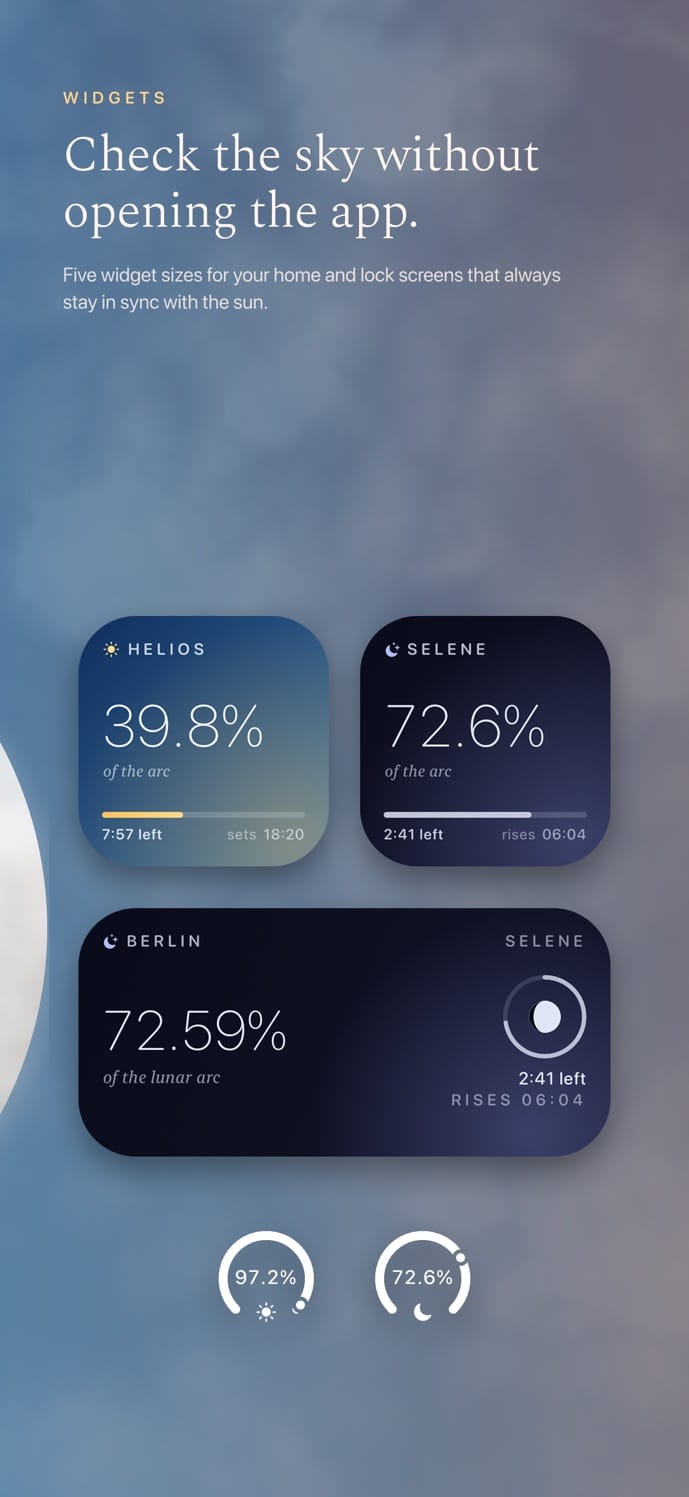
A second number makes a widget worse, every time. On a lock screen you have about a second of attention, and one second fits one fact.
The skyline as the hero
The real-horizon view is where the app gets to show off. It draws the actual terrain profile around you from elevation data, labels the peaks, and moves the sun along its real path until it disappears behind them. The colours follow the time of day, so the screen warms up toward sunset.
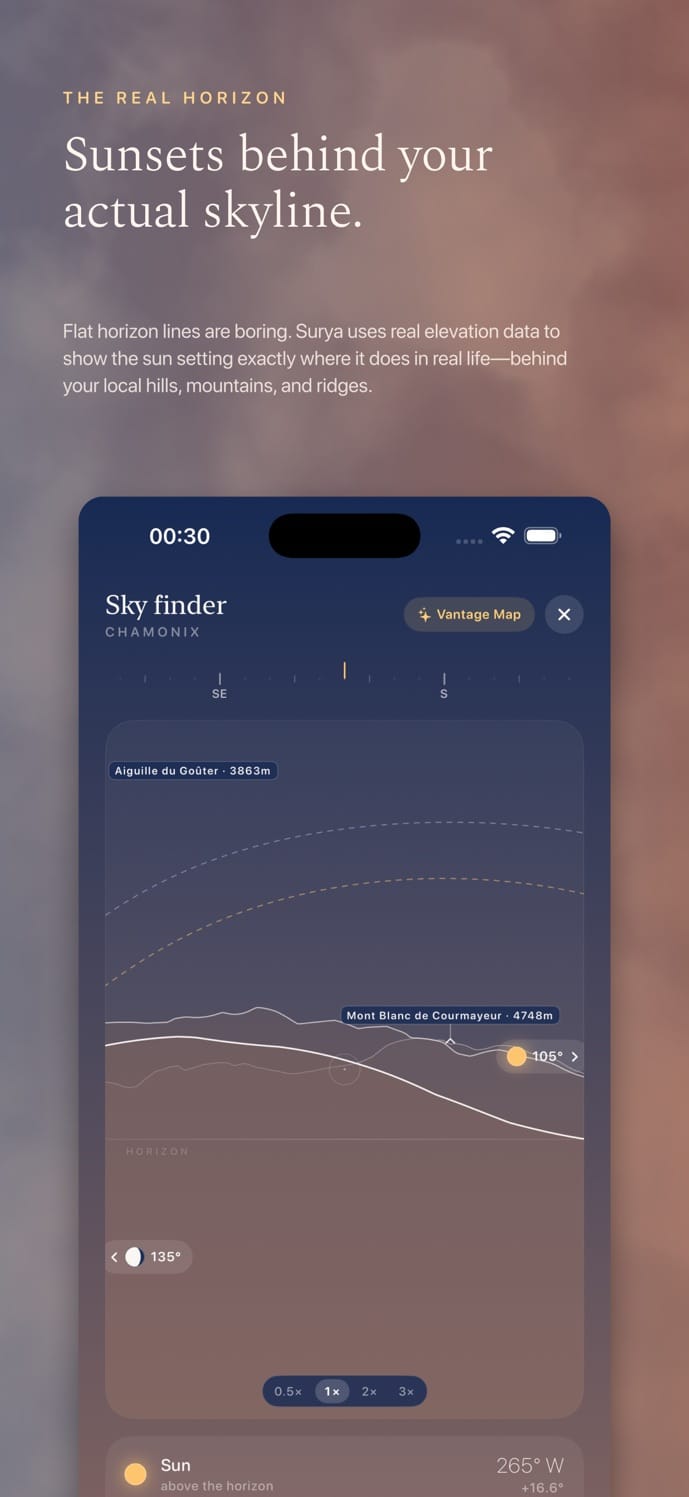
The lines stay thin and the labels small so the shape of the mountains carries the screen. On the App Store page every screenshot sits on a photo of real sky for the same reason: this is an app about light, so the light should be the loudest thing on the page.
The most important design decision in a clock turned out not to be precision. It's whether you want to look at it twice a day.