A mascot that never frowns at you
Designing encouragement instead of guilt. How TaskAlarm's smiley, its colors, its copy, one deliberate bit of friction and a few springs add up to a to-do app that's on your side.
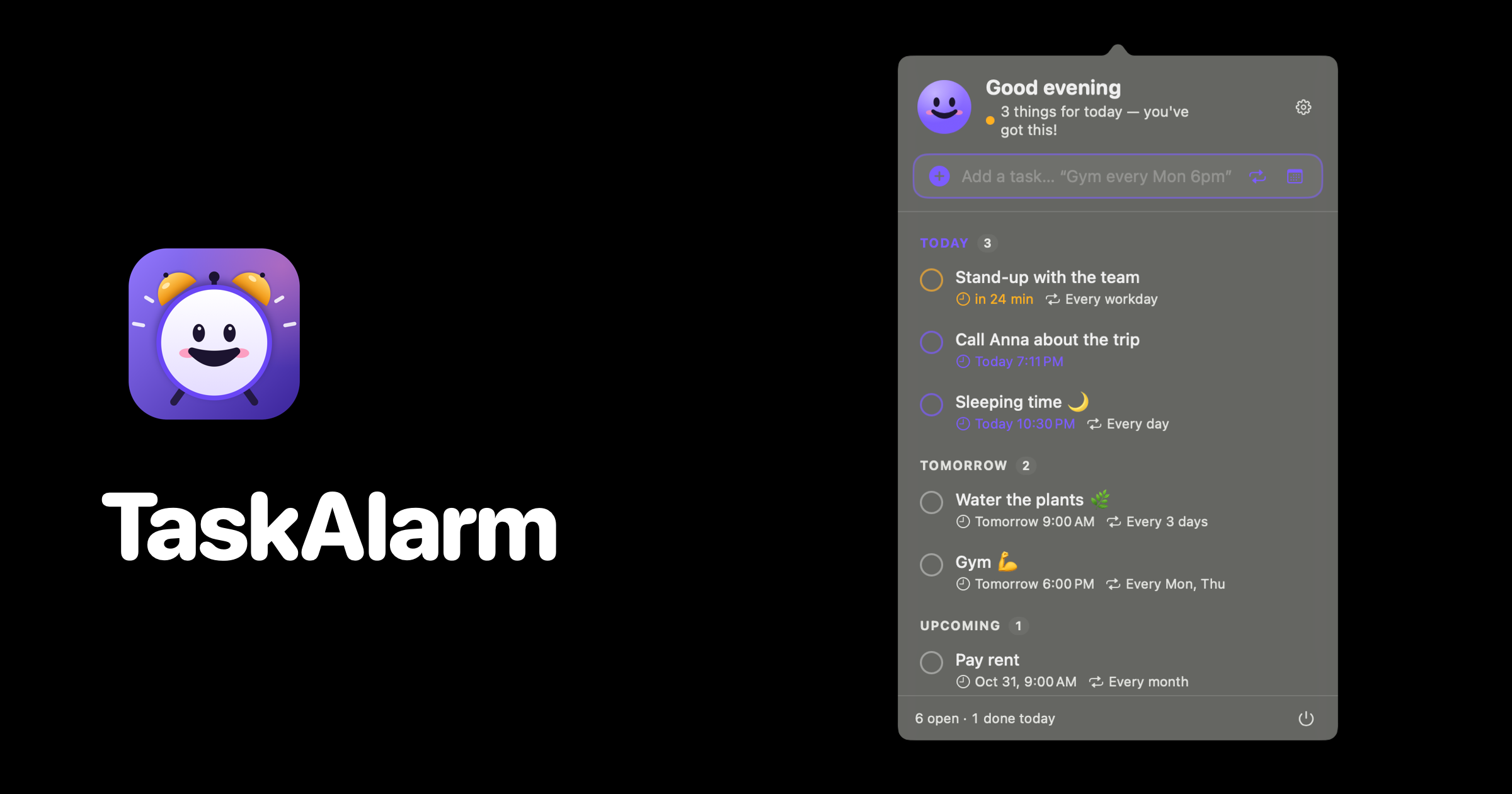
The smiley in TaskAlarm has five moods, and four of them are happy. That ratio is the whole design brief. A to-do app is an interface you look at when you're behind, tired or avoiding something, so the most important design decision is how it treats you in those moments.
Most productivity tools answer that question with guilt. Red badges, overdue counters, streaks you just broke. It works for about a week. Then you stop opening the app, which is the opposite of what anyone wanted.
Five faces, one rule
The face is drawn in code from four numbers: how much the mouth curves, how open it is, how much the brows worry, and how tall the eyes are. Every mood is just a different set of those four values, and SwiftUI animates between them, so the face doesn't swap, it morphs.
Celebrating is a big open grin with squinting eyes. Excited is wide eyes and an open smile, used when something is due right now. Eager is a slightly open smile for "things to do today." Happy is a closed, relaxed smile for "all clear." And worried is the only one with a downturned mouth and raised brows.
Worried appears in exactly one situation: you actually missed something. Not when you have ten tasks. Not when something is due in five minutes. Only after the deadline plus a five-minute grace period has passed. The rest of the time the smiley is somewhere between relaxed and thrilled for you.
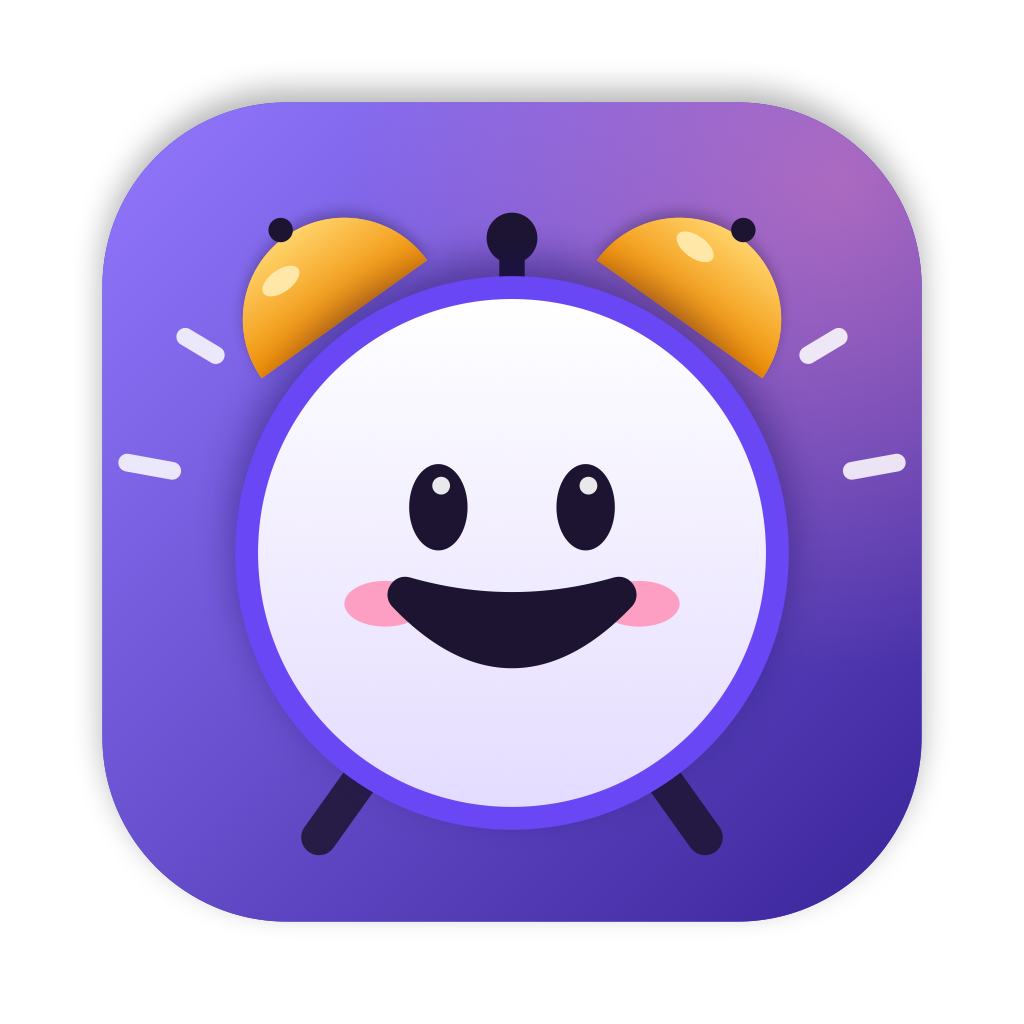
Two more rules from the brand guide: the smiley always has blush and an eye sparkle, and the face has to stay readable at 16 pixels, the size of a menu bar icon. At that size you can't rely on subtle expressions, so the moods are pushed further apart than feels natural at 1024 pixels. The blush disappears when it's worried, which is a surprisingly loud signal for four pink pixels.
Color means something or it means nothing
TaskAlarm's brand color is violet, #7C5CFF. It's on buttons, focus rings, selection. Then there are three status colors: green for all clear, amber for due, red for missed.
The rule I'm strictest about: status colors are only for status. No green decorative icon, no amber accent because it looked nice next to the violet. The moment red shows up somewhere for decoration, red stops meaning "missed," and the smiley turning red loses all its weight. If you want color to carry information, you have to keep it unemployed the rest of the time.
Write like a friend texts
The copy guide is a two-column table: what we say, what we don't. A few rows from it:
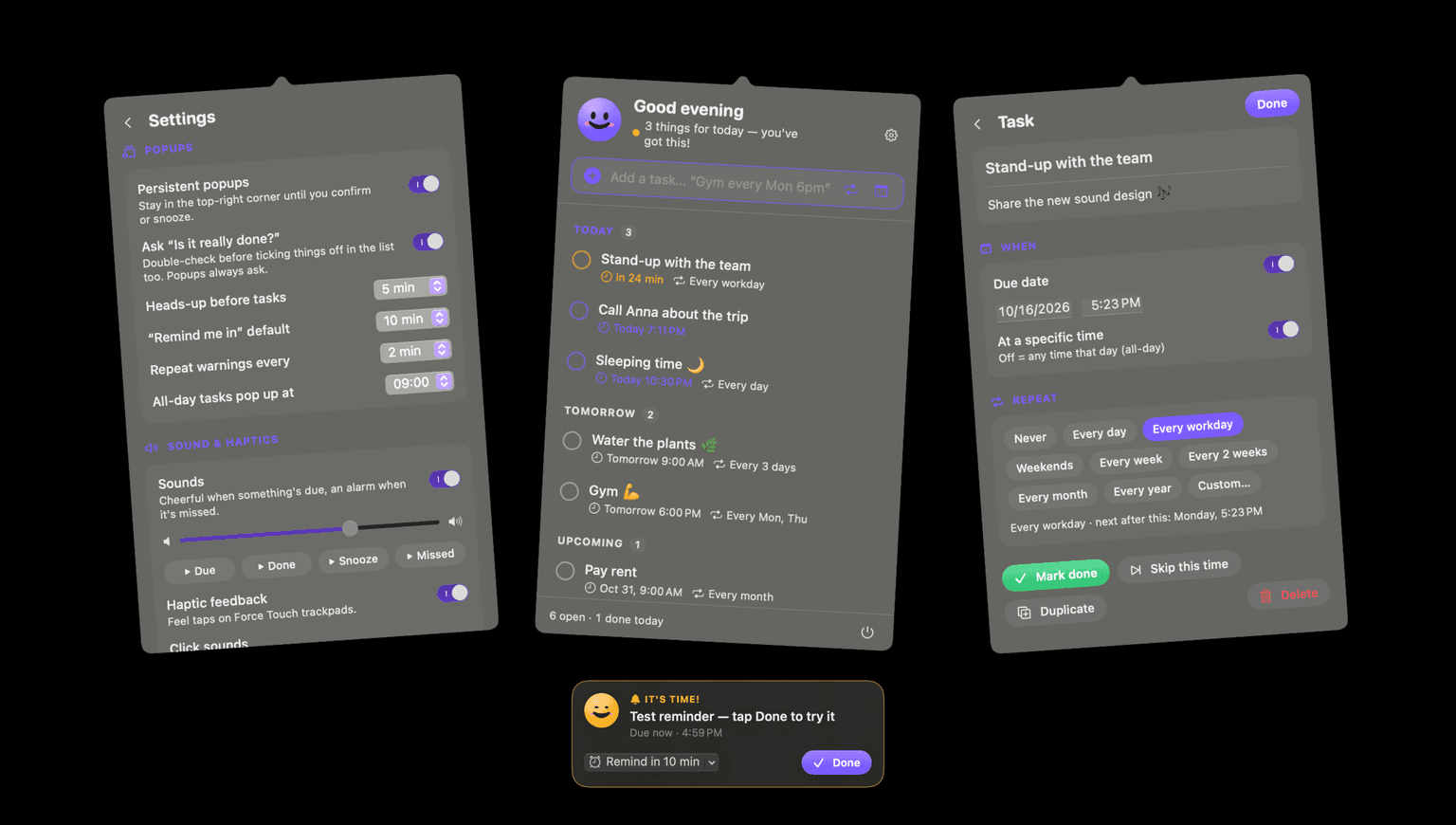
"You have 3 pending items" becomes "3 things for today, you've got this." "ALERT: Task due" becomes "It's time!" "Confirm completion" becomes "Is it really done?" "You failed to complete…" becomes "Missed, want to do it now or later?" And "No remaining tasks" becomes "All done. Go enjoy your day."
None of these are longer or less clear. They just assume you're a person and not a ticket in a queue. The missed one is my favourite, because it says the uncomfortable fact out loud and then immediately offers a way forward. That's what a good friend does.
Guilt gets you to open an app once. Encouragement gets you to open it again tomorrow.
Friction can be kind
Usually UX is about removing steps. TaskAlarm adds one on purpose.
When you mark a task done, it can ask "Is it really done?". I added this after catching myself ticking things off just to make the reminder go away. The extra tap is cheap, the smiley switches to its celebrating face while it waits, and suddenly being honest feels like part of the reward instead of an obstacle to it. Popups always ask; in the list it's a setting you can turn off.
That's the distinction I keep coming back to. Friction that protects you from yourself is a feature. Friction that protects the company from you (cancellation mazes, "are you sure you want to miss out?") is the other thing.
Motion: small, springy, and it stops
Motion follows the same personality. Buttons use a quick spring with a response of 0.25 and a damping of 0.6, and they squish to 94 percent of their size while pressed. Reminder cards slide in from the top-right with a soft spring. A missed task shakes, a few quick wiggles that die out, and then it's still again.
And nothing loops forever. No pulsing badge, no endless bounce. An animation that never stops is the visual version of a nagging voice, and you learn to tune it out within an hour.
The brand is mostly restraint
When I look at the finished app, most of the brand work is things I didn't do. No gradients, badges or stickers in the marketing images, just real screenshots on black. No decorative status colors. No exclamation marks except "It's time!", which has earned one. At most one emoji per message.
What's left is a small face that's happy to see you, a violet that means "this is TaskAlarm," and three colors that mean exactly one thing each. It's the friendliest app I've made, and I made it by saying no to nearly everything that usually makes apps feel friendly.